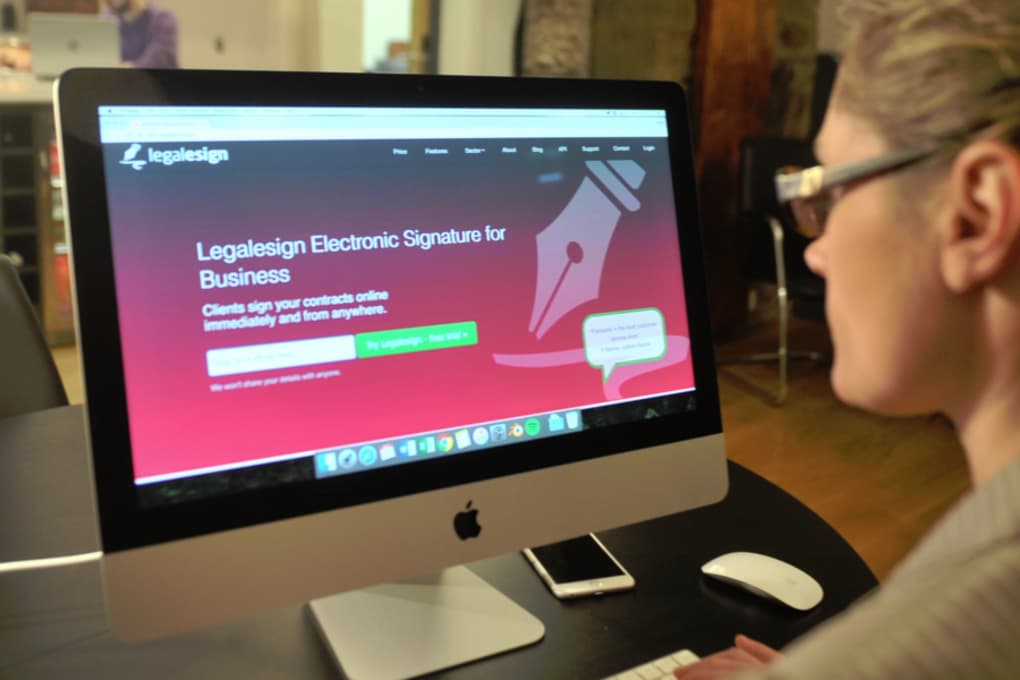

Download Legalesign – Sichere elektronische Signatur‑Software für Unternehmen
Übersicht
Legalesign ist eine cloud‑basierte elektronische Signaturplattform, die speziell für Unternehmen entwickelt wurde, die eine schnelle, sichere und konforme Möglichkeit benötigen, Unterschriften auf Verträgen, Vereinbarungen und jeglichen rechtlichen Dokumenten zu sammeln. Durch die Eliminierung von Papier, Kurierdiensten oder persönlichen Treffen hilft Legalesign Unternehmen, ihre Arbeitsabläufe zu optimieren, die Durchlaufzeit zu verkürzen und eine manipulationssichere Prüfspur zu erhalten. Die Software lässt sich nahtlos in gängige Tools wie Google Workspace, Microsoft 365, Salesforce und Zapier integrieren, sodass Dokumente direkt aus den Anwendungen gesendet werden können, die Teams täglich nutzen. Alle sechzig Tage erstellt Legalesign automatisch einen umfassenden Bericht aller unterschriebenen Dokumente und bietet Organisationen ein zuverlässiges Archiv für Compliance‑Audits und interne Prüfungen. Ob Sie ein kleines Startup mit einer kostenlosen Stufe oder ein Unternehmen mit erweiterten Berechtigungskontrollen sind, Legalesign bietet gestufte Pläne, die mit Ihren Bedürfnissen wachsen und gleichzeitig das Unterschreiben für Absender und Empfänger einfach halten.
Hauptfunktionen
- Secure Cloud Storage: All documents are encrypted at rest and in transit, meeting ISO 27001 and GDPR standards.
- Unlimited Templates: Create reusable contract templates with merge fields to auto‑populate client data.
- Audit Trail & Compliance: Each signature is time‑stamped, IP‑logged, and stored in an immutable ledger for legal defensibility.
- Integrations: Native connectors for Google Drive, Dropbox, OneDrive, Slack, HubSpot, and more.
- Bulk Send & Bulk Sign: Dispatch hundreds of documents in a single click and collect signatures in parallel.
- Multi‑Factor Authentication (MFA): Add an extra layer of security for signers and administrators.
- Automatic 60‑Day Report: Receive a PDF summary of all completed agreements every two months, simplifying compliance checks.
- Custom Branding: Apply your logo, colors, and domain to give a professional look to every request.
- Mobile‑Optimized Signing: Sign on iOS or Android devices with a touch‑friendly interface.
- API Access: Use RESTful endpoints to embed signing functionality directly into your own software.
Installation, Nutzung & Kompatibilität
Getting started with Legalesign is a straightforward process that can be completed in under ten minutes, even for users with limited IT expertise.
Schritt‑für‑Schritt-Installation
- Create an Account: Visit the Legalesign website and sign up for a free trial using your business email. You’ll receive a verification link to activate the account.
- Verify Your Domain (Optional): For added branding, configure a custom domain (e.g., sign.yourcompany.com) through the DNS settings. Legalesign provides a one‑click verification tool.
- Set Up Two‑Factor Authentication: Navigate to the Security Settings page and enable MFA via authenticator apps or SMS.
- Connect Integrations: From the Integrations Dashboard, authorize connections to Google Workspace, Microsoft 365, or your preferred cloud storage. Permissions are granted using OAuth, ensuring no passwords are stored on Legalesign’s servers.
- Upload Your First Template: Use the drag‑and‑drop editor to upload a PDF or Word contract, then add signature fields, date fields, and data placeholders.
Legalesign im täglichen Betrieb verwenden
Once the platform is set up, sending a document is as simple as clicking “New Envelope,” selecting a template, entering recipient details, and hitting “Send.” Recipients receive an email with a secure link that opens a responsive signing page. They can sign using a mouse, stylus, or finger on mobile devices. After the last signature is captured, Legalesign automatically notifies all parties, locks the document, and stores a certified copy in the cloud.
Kompatibilität & Systemanforderungen
Legalesign is a web‑based SaaS solution, which means it works on any modern browser—including Chrome, Firefox, Edge, and Safari—across Windows 10/11, macOS Monterey and later, Linux distributions, as well as mobile operating systems iOS 14+ and Android 9+. No additional software installation is required on the client side, making it an ideal choice for remote teams and field agents.
Wartung & Updates
Because Legalesign runs in the cloud, all updates, security patches, and feature enhancements are deployed automatically. Users never need to download a new version or restart their computers. The platform also provides a changelog and optional email notifications so administrators can stay informed about new capabilities.
Vorteile, Nachteile, FAQ & Fazit
Vorteile
- Highly secure with end‑to‑end encryption and ISO‑compliant data handling.
- Intuitive UI that reduces the learning curve for both senders and signers.
- Robust API and wide range of native integrations for workflow automation.
- Automatic 60‑day compliance report eliminates manual record‑keeping.
- Scalable pricing model from free tier to enterprise plans.
Nachteile
- Advanced features such as custom branding and API access are limited to paid plans.
- While the web app is responsive, offline signing is not supported.
- Some users report a slight delay when loading very large PDF contracts.
Häufig gestellte Fragen
Ist Legalesign rechtlich bindend?
Yes. Legalesign complies with eIDAS (EU) and ESIGN/UETA (US) regulations, providing a tamper‑evident audit trail that courts recognize as legally enforceable.
Kann ich Legalesign auf einem mobilen Gerät verwenden?
Absolutely. The platform is fully responsive and works on iOS and Android browsers, allowing signers to complete documents with a finger or stylus.
Wie funktioniert der automatische 60‑Tage‑Bericht?
Every 60 days Legalesign compiles a PDF that lists every document signed during that period, including timestamps, signer IPs, and a link to the immutable copy stored in the cloud.
Welche Integrationen sind standardmäßig verfügbar?
Native integrations include Google Workspace, Microsoft 365, Dropbox, OneDrive, Slack, Salesforce, HubSpot, and Zapier. Custom API connections are also supported.
Gibt es eine kostenlose Version von Legalesign?
Yes. Legalesign offers a free tier that allows up to 5 documents per month, basic branding, and standard security features—ideal for freelancers or small teams.
Fazit & Handlungsaufforderung
Legalesign stands out as a reliable, secure, and user‑friendly e‑signature solution that addresses the core pain points of modern businesses: speed, compliance, and integration. Its automatic reporting feature alone saves countless hours of manual audit work, while the extensive API and third‑party connectors make it adaptable to virtually any workflow. If you’re looking to eliminate paper bottlenecks, accelerate contract turnaround, and keep a legally sound record of every agreement, Legalesign is a compelling choice. Download Legalesign today to start your free trial, experience the seamless signing process, and see how quickly your organization can move from “awaiting signature” to “contract executed.”



.png)



